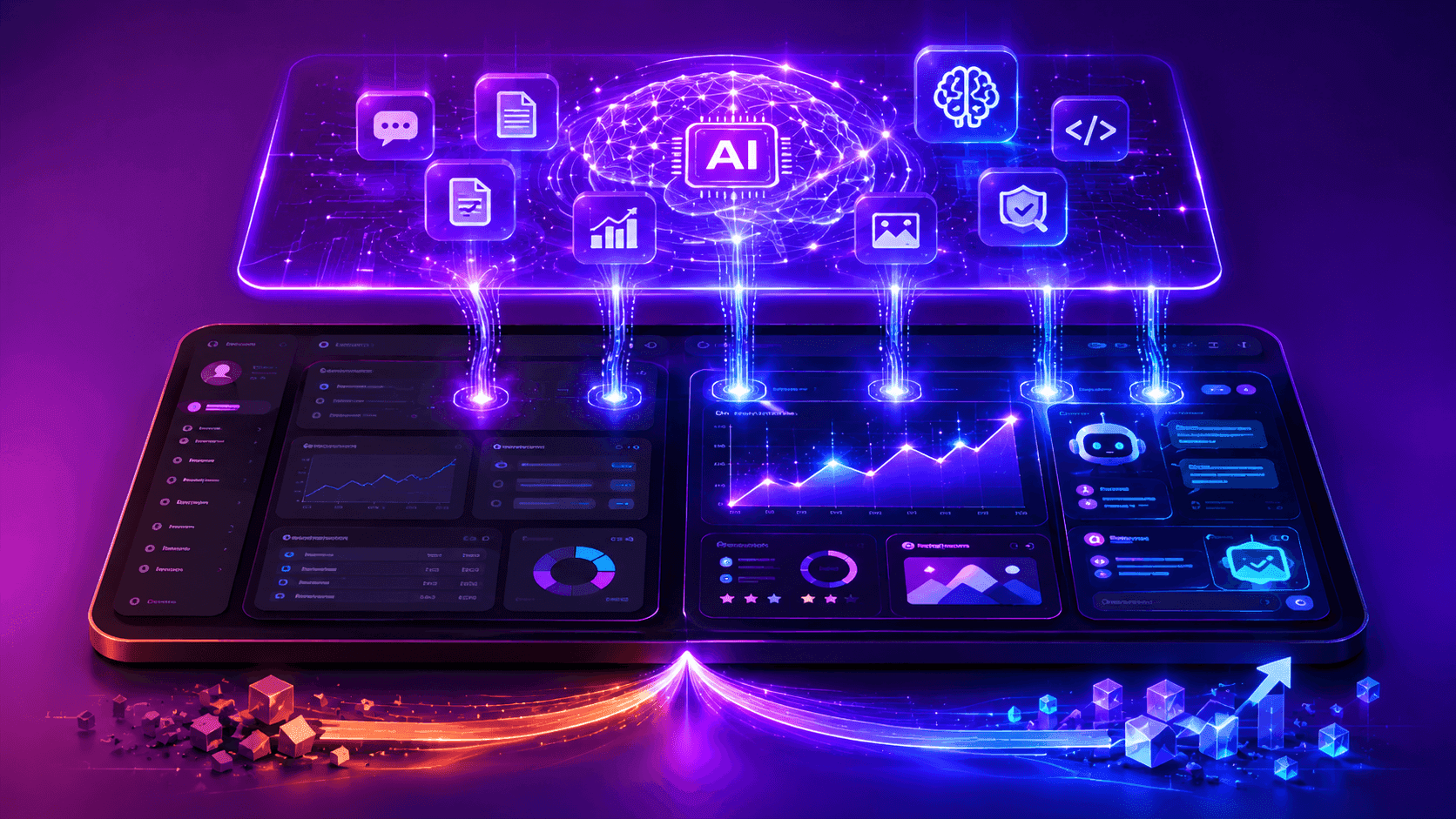
Adding AI to an existing software product is one of the most common engineering challenges product teams face today. The pressure to add AI features is real - from customers, from competitors, and from business leadership. But integrating AI into an existing system is different from building AI-first, and teams that approach it without a structured framework often end up with AI features that disappoint users, strain budgets, or create technical debt.
This guide walks through the step-by-step process of adding AI capabilities to an existing software product in a way that delivers real user value reliably.
Step 1: Identify the Right AI Integration Opportunity
Not all problems benefit from AI. Before designing an integration, identify where AI would deliver genuine user value that is not already achievable with conventional software.
The best AI integration opportunities in existing software share characteristics:
- The task involves natural language (reading, writing, summarising, classifying, extracting from unstructured text)
- The task currently requires skilled human time but follows discernible patterns
- The output is useful even if it is not perfectly accurate every time (a good first draft, a useful summary, a relevant suggestion)
- Users already wish the product could do this automatically
Poor AI integration opportunities: tasks where precision is non-negotiable and AI error rates are meaningful, tasks where a conventional algorithm already handles it deterministically, and tasks where "AI" is added for marketing rather than genuine user value.
Step 2: Define the Feature Scope
Once you have identified the opportunity, scope the feature clearly before writing any code. Define:
- What input does the AI feature receive?
- What output does it produce?
- What does success look like for the user?
- What is the acceptable failure mode? (What happens when the AI produces a poor output?)
- Is the AI output presented as a suggestion (user can accept, edit, or reject) or as an action taken automatically?
The distinction between "AI suggestion" and "AI action" is important. Suggestions are lower risk - the user reviews before anything happens. Automatic AI actions are higher risk and require more confidence in AI accuracy before deployment.
Step 3: Choose the Right AI Approach
Different AI integration patterns suit different use cases:
Direct LLM Calls (Prompt Engineering)
For most text-based AI features - summarisation, drafting, classification, Q&A - a well-engineered prompt to GPT-4o, Claude, or another LLM is the fastest path to a working feature. Start here unless you have a specific reason not to.
RAG (Retrieval-Augmented Generation)
When the AI feature needs to answer questions based on your product's data or documents - not general knowledge - RAG connects your data to the LLM. Essential for features like "ask about this document," "find relevant records," or knowledge base search.
Fine-Tuning
When the feature requires specific style, format, or domain adaptation that prompt engineering cannot achieve reliably and cost-effectively. Higher investment; consider only after prompt engineering has been fully optimised.
Specialised Models
For image analysis, audio transcription, speech generation, or code analysis - specialised models (Whisper, vision models, code-specific models) outperform general LLMs. Use the right model for the specific task.
Step 4: Build the Integration Layer
The integration layer sits between your existing application and the AI provider. Key components:
Backend API Endpoint
Never call AI provider APIs directly from the client. Build a backend endpoint that: authenticates the user, validates and sanitises the input, calls the AI provider with appropriate context, handles errors and timeouts, and returns a structured response. This keeps your API keys secure and gives you control over rate limiting and cost management.
Prompt Management
Store system prompts in configurable locations (environment variables, a database, a prompt management system) rather than hard-coded in the application. This allows you to update and improve prompts without code deployments - a significant operational advantage during the tuning phase.
Context Assembly
For features that benefit from your existing product data (user history, relevant records, account context), build the context assembly logic that retrieves relevant data and includes it in the AI request. This is where the AI feature gains awareness of the user's specific situation.
Step 5: Design the User Experience
AI features require specific UX patterns:
- Loading states: LLM responses take 1-5 seconds. Show a loading indicator or stream the response progressively. Never show a blank screen while waiting.
- Editability: AI-generated content should always be editable by the user. The AI produces a starting point; the user completes it.
- Regenerate option: Give users the ability to ask for a different response. This acknowledges that AI output is probabilistic and users may prefer a different version.
- Transparency: Make it clear to users when content is AI-generated. This manages expectations and builds appropriate trust.
- Feedback mechanism: Thumbs up/down or other simple feedback signals help you measure AI quality and identify failure cases for improvement.
Step 6: Test Before Release
AI features require a different testing approach than deterministic software:
- Build a test set of representative inputs with expected output qualities (not exact outputs - use evaluation criteria like "is this summary accurate?" or "does this classification match the expert label?")
- Test with edge cases: empty inputs, very long inputs, inputs in unexpected languages, inputs designed to elicit problematic outputs
- Test at your expected production scale to validate latency and error rates
- Run a limited beta with real users before full release - AI quality depends heavily on real-world input distribution which test sets never fully capture
Step 7: Monitor and Improve
AI features require ongoing monitoring and improvement after launch. Track output quality through user feedback signals, track latency and cost, and review sampled outputs regularly to identify systematic failure patterns. Use this data to improve prompts, adjust context assembly, or switch models as the AI landscape evolves.
AI Integration at Savyasachi Infotech
At Savyasachi Infotech, we integrate AI capabilities into existing web and mobile products - from feature scoping and prompt engineering through backend integration, UX design, testing, and post-launch monitoring. We have added AI features to research platforms, assessment systems, and productivity tools, and we know what it takes to make AI features that users actually trust and use.
If you are planning to add AI to your product, talk to our team about the right approach.
Managing Expectations Internally
One of the underappreciated challenges of AI integration is managing internal expectations. AI features are probabilistic - they work most of the time but not all of the time. Stakeholders who expect AI to perform like conventional software (100% accuracy, deterministic output) will be disappointed. Set accurate expectations early: share example outputs including failures, explain the probabilistic nature of LLM outputs, and frame AI features as tools that augment human capability rather than replace human judgment entirely. Internal alignment on what AI can and cannot do in production is as important as the technical implementation for a successful AI integration project.
Ready to Add AI Features to Your Existing Product?
Adding AI to an existing product creates real user value when done right - and creates noise and technical debt when done reactively. The difference is in the scoping, the integration architecture, the UX design, and the testing approach.
At Savyasachi Infotech, we help product teams integrate AI into existing software with the structured approach it deserves - from identifying the right opportunity through building, testing, and monitoring in production. We deliver AI features that users trust and use, not just features that appear on a product roadmap slide.
Book a free consultation and describe the AI feature you want to build. We will design the right integration approach and give you a clear implementation plan.